





07 / ARTICLE
Designing Cinematic Media for a Live Stage

A film that looks beautiful on a laptop may behave very differently on a large stage. Live environments change scale, contrast, sound, sightlines, and the audience’s ability to read detail.
Design for distance
Strong silhouettes, controlled compositions, and clear focal points help imagery survive large screens and varied seating positions. Small details should support the frame without carrying its essential meaning.
Use styleframes as production decisions
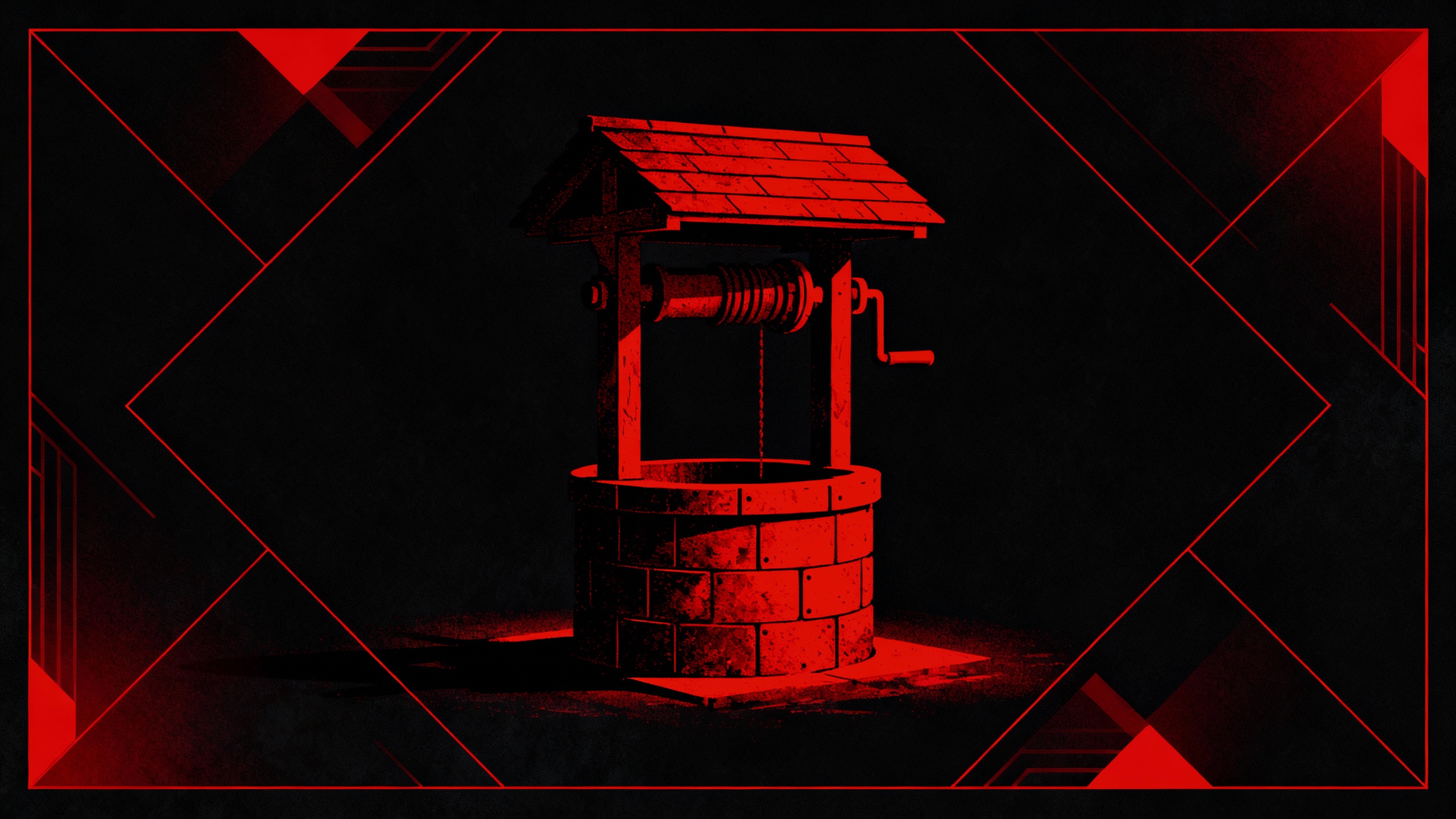
Styleframes allow the team to test color, texture, atmosphere, and visual hierarchy before full animation begins. They provide a shared target for creative approval and reduce expensive changes later.
Shape pacing around the room
Live audiences need time to absorb scale. Holds may need to breathe longer, transitions may need clearer direction, and climactic images need enough space to register before the service moves on.
Test in the real environment
Stage playback reveals issues that desktop review cannot: crushed shadows, weak contrast, distracting motion, or typography that disappears at distance. Production QA is part of the creative process.
Practical takeaway
Approve key frames early, animate for readability, and review the work on the actual playback system before the event.
See the work behind the idea
These lessons grew out of the Christmas Worship Experience, a cinematic storytelling series created for Element Church. Explore how story development, styleframes, animation, and live-stage thinking came together in the complete case study.
View the Christmas Worship Experience case study →
Planning a story-driven live experience or seasonal campaign? Explore art direction and animation and motion design services, or start a conversation about your project.